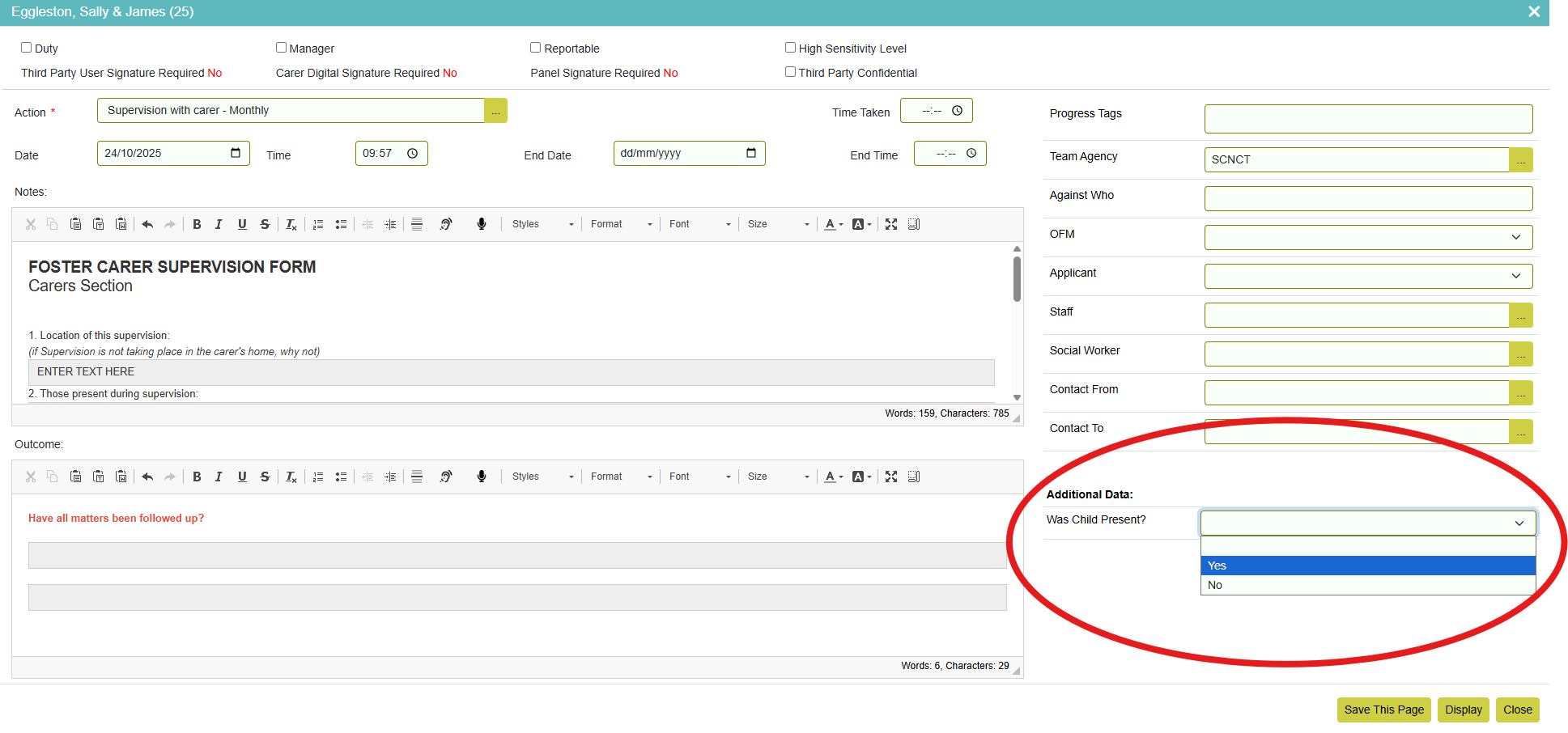
¶ Actions Related Data Fields Lookup List
Action Related Data Fields allow administrators to define and manage custom data fields that can be linked to actions, action groups, and progress entries.
Go to Settings > Edit Lookup Lists > Action Related Data Fields. Click the ‘Add New’ button on the bottom bar to add a new Action Related Data Field.
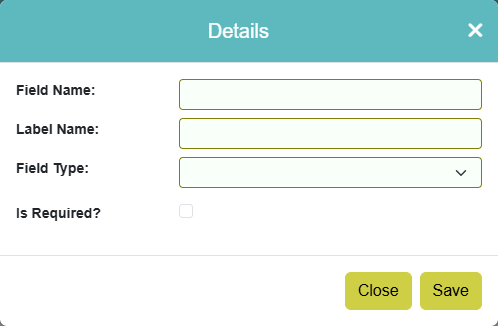
Enter the field name and label name.
Select your field type. Choosing ‘Select List’ will give you the ability to enter list items.
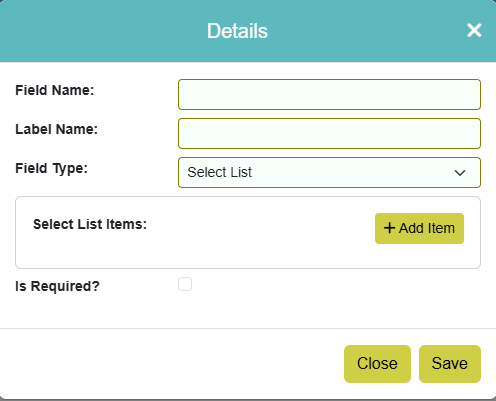
Click the ‘Add Item’ button to add your custom items.
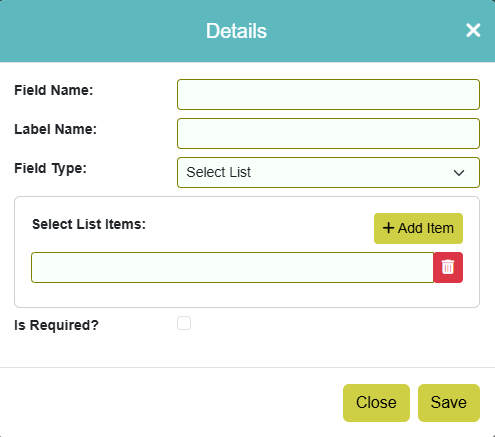
Ticking ‘Is Required?’ will mark the field as 'Is required', which makes the field mandatory when adding progress.
Once saved your custom data field will show on the Actions Related Data Fields Lookup List screen.

From here you can edit or delete the field by using the relevant buttons.
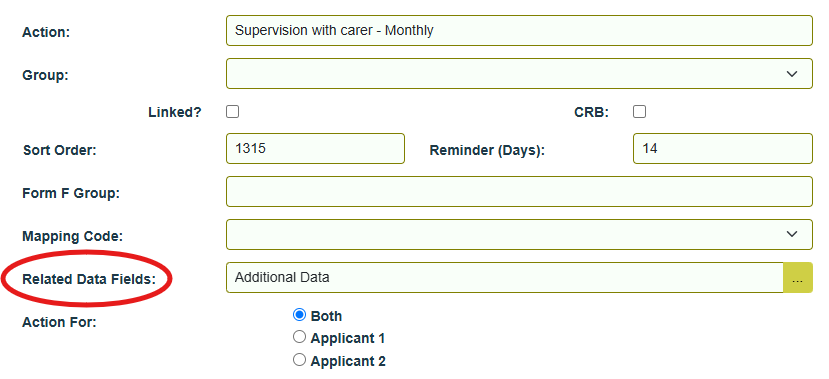
Once your lookup list of Action Related Data Fields is setup you can associate data fields to Actions or Action Groups.
Your custom data field will then display when adding progress action/s it is associated with: