The Agencies section of CHARMS contains a record of every agency/local authority that you may work with. In most instances, this section will contain a list of every local authority in the UK.
To access the list of agencies, from the Main Menu, click ‘Agencies' in the total records panel. The number in this section reflects the number of agency records.
Users with permissions ‘MODIFY_ALL_REFERRALS’ or 'VIEW_ALL_REFERRALS' permissions will see the Agencies link. Only users with 'EDIT_LOOKUP_LISTS' permission will have the ability to edit information within Agencies. Any other users can only view with read only version of the Agencies page.

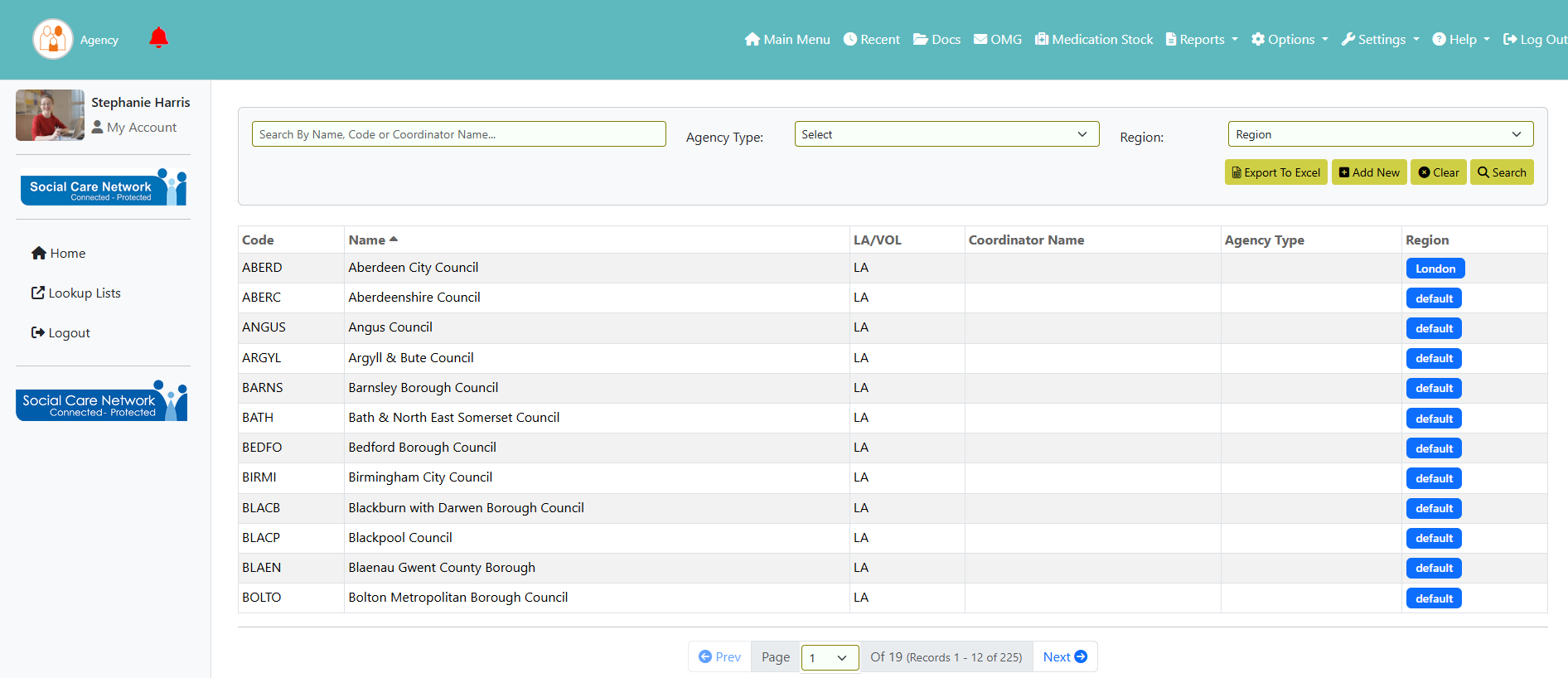
This will take you to the Agency screen. You can search for an agency using the search box at the top, with the option to also filter by Agency Type and/or Region. To open an agency record and view more details, click on the relevant row.
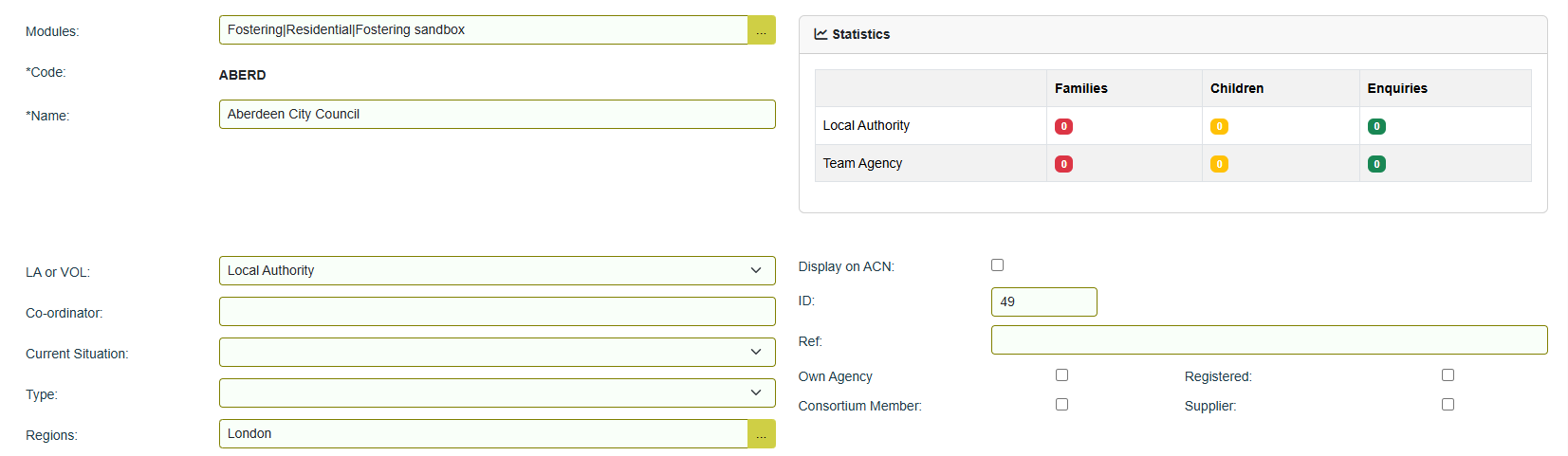
On the agency's main details screen you will see the following:
- Modules – the CHARMS module that the agency record resides in.
- Code – every agency record has a ‘Code’ which is a 4/5 character abbreviation of its name.
- Name – the name of the agency.
- Statistics – your family, children and enquiry records for that agency will be totalled here.
- LA or VOL – if the record if a Local Authority select Local Authority from this dropdown. Any other type of record select Voluntary.
- Co-ordinator – if the agency has a co-ordinator their name can be entered here.
- Current Situation – use this dropdown to select a Current Situation.
- Type – use this dropdown to categorise the agency. Comes from the lookup list ‘Agency Type’.
- Regions – Agencies can be grouped in to geographic regions. List is populated from lookup list ‘Region’.
- Display on ACN –
- ID – unique reference for the agency, system generated.
- Ref – agency records can be given a reference.
- Own Agency – if the agency record that you are adding is your own agency, tick this tick box. This will let you select the agency record in the team agency dropdown areas of CHARMS.
- Registered –
- Consortium Member – if agency forms part of a consortium, this should be ticked.
- Supplier – if this agency if one of your suppliers, this should be ticked.
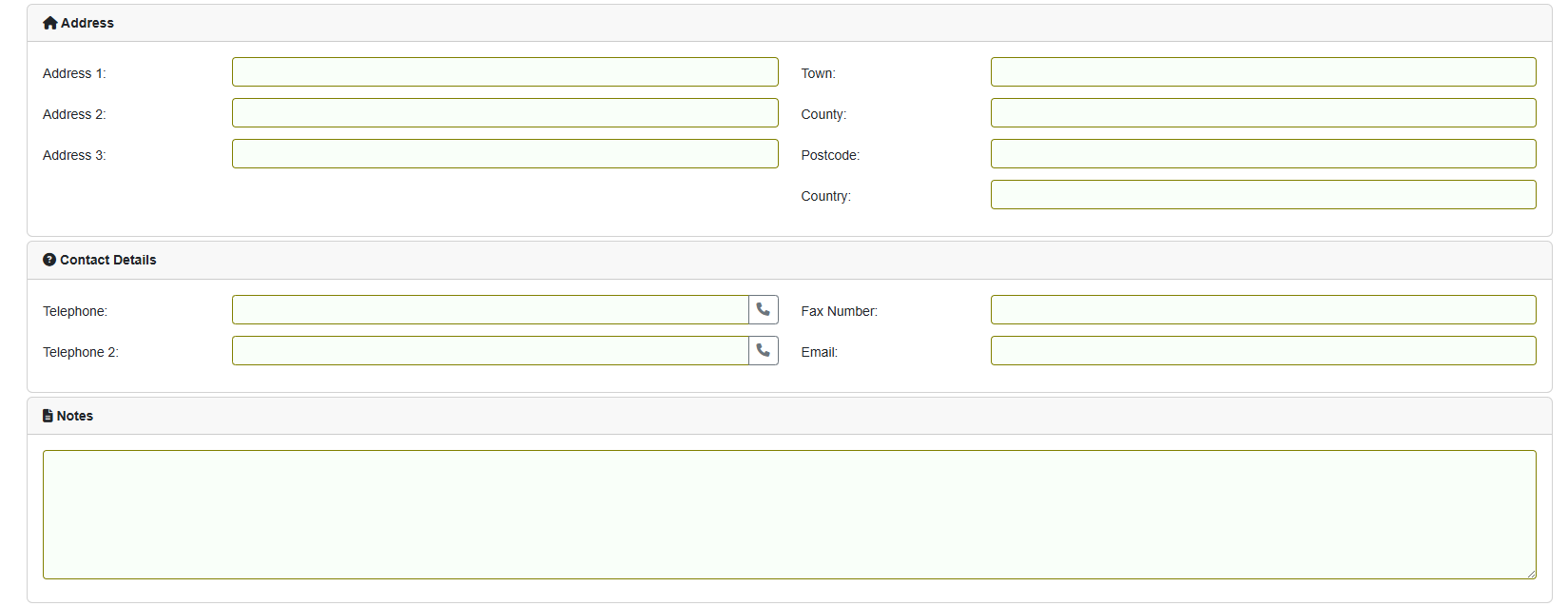
Address and Contact Details of the agency record - used to populate relevant areas of CHARMS.
Any additional information can be entered into Notes.
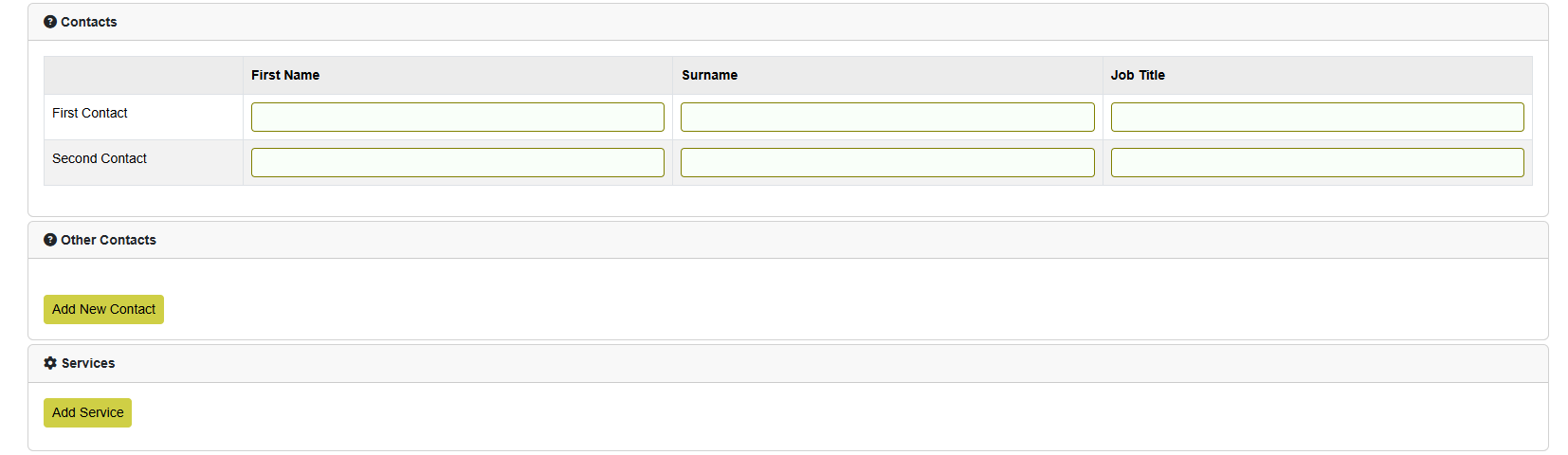
- Contacts – you can use this section to record details of people associated with the agency.
- Other Contacts – any additional contacts can be added here.
- Services – you can use this option to record the type of services that the agency provides.
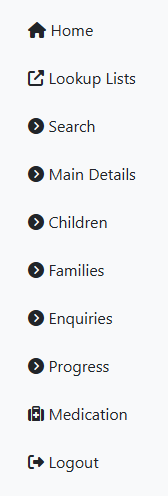
- Home – takes you to the CHARMS Main Menu.
- Lookup Lists – takes you to the Lookup Lists screen.
- Search – returns you to the agency search screen.
- Main Details – takes you to the main details of the agency record.
- Children – children records recorded in CHARMS from that agency.
- Families – family records recorded in CHARMS from that agency.
- Enquiries – enquiries recorded in CHARMS from that agency.
- Progress – takes you to the progress screen for that agency.
- Medication - takes you to the Search Medication screen.
- Logout – logs you out of CHARMS.