¶ Notice Board
The Notice Board widget is displayed on the Main Menu of CHARMS.
Users with the permission MANAGE_NOTICE_BOARD can add/edit/delete notices via 'Manage Notice Board' (found under 'Options' on the top menu).
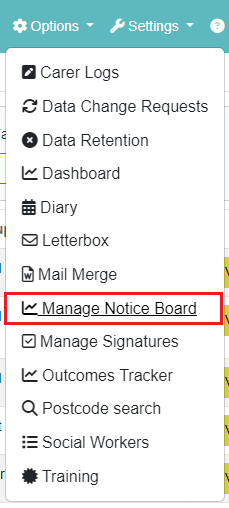
Please see our Wiki page HERE for more information on the Manage Notice Board section.
To add a new notice:
- Click ‘Add Notice’
- Enter a ‘Title’
- Enter a ‘Description’
- Assign a ‘Module’ to restrict by module or leave blank to show the notice in all modules
Set which users the notice should be ‘Visible to’:
- Ticked as ‘Standard’ - the notice will be visible to users with 'MODIFY_ALL_REFERRALS' or 'VIEW_ALL_REFERRALS'
- Ticked as ‘Carer’- the notice will be visible to users with ‘CARER_ACCOUNT’
- Ticked as ‘Panel’ - the notice will be visible to users with ‘PANEL_MEMBER’
- Ticked as ‘3rd Party’ - the notice will be visible to users with ‘THIRD_PARTY_USER’
- Enter the ‘Archive By’ date to set an in the future date to automatically archive the notice
- The notice will be visible to the selected users until it has been archived. Archived notices show in red italics on the search screen.
Notices added by non SCN users will be output under the 'Agency' tab.
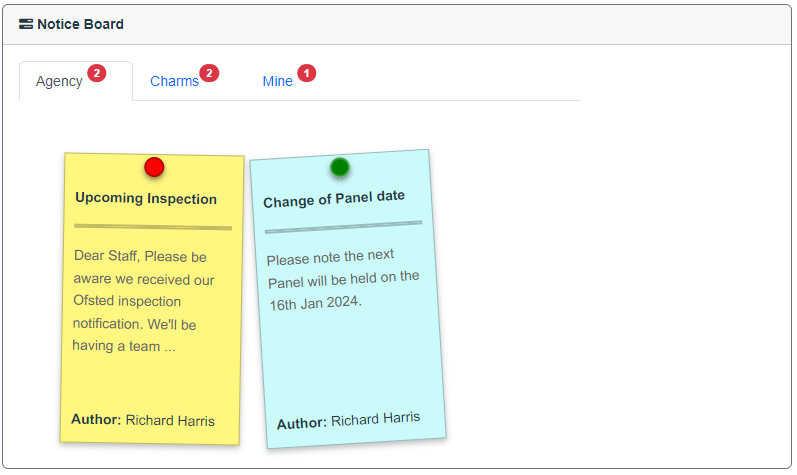
Notices added by SCN users will be output under the 'Charms' tab.
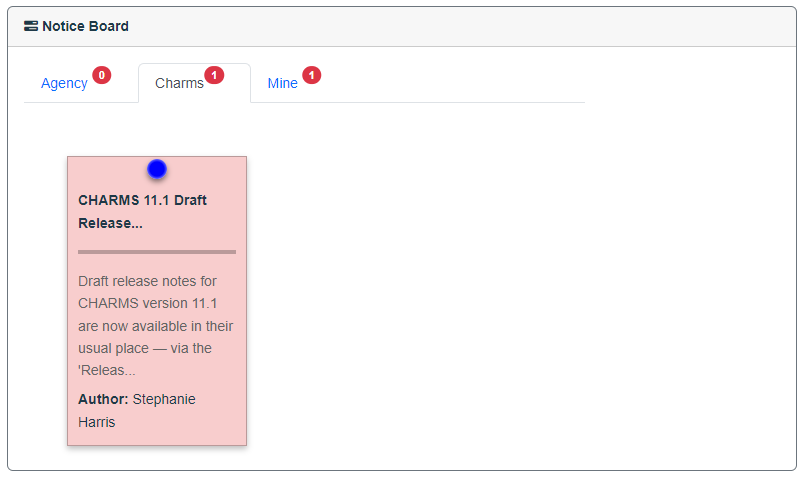
The notices appearing under 'Agency' or 'Charms' tabs are added by users via > Options > Manage Notice Board with new permission MANAGE_NOTICE_BOARD
Personal notices, only visible for the user logged in, can be added by any users via the ‘Notice Board Widget’ by clicking the ‘Add Note’ button. These are output under the 'Mine' tab, can be edited by clicking on the pencil, or removed by clicking the cross.
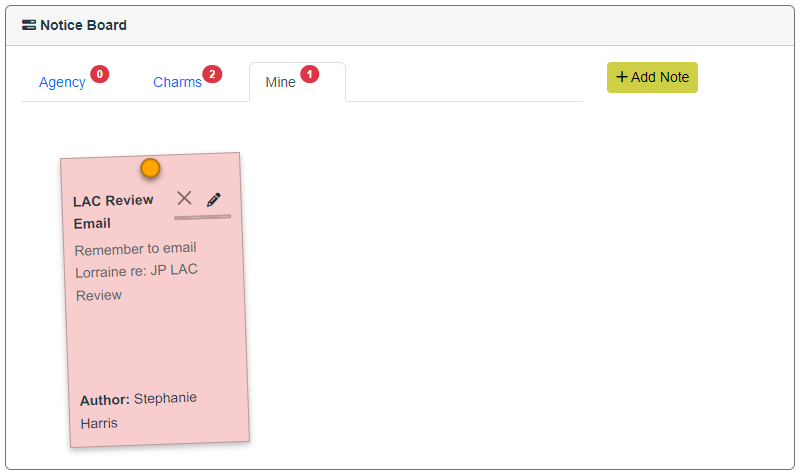
Setting a ‘priority’ will define the order in which the notices are output, e.g. notices set as ‘High’ will be output first, then ‘Medium’, then ‘Low’.
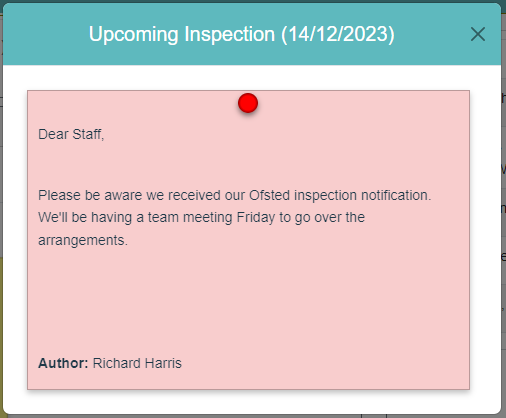
Clicking on a notice will open it in a larger window.