On this screen you can view any previous addresses the family has had recorded on CHARMS.

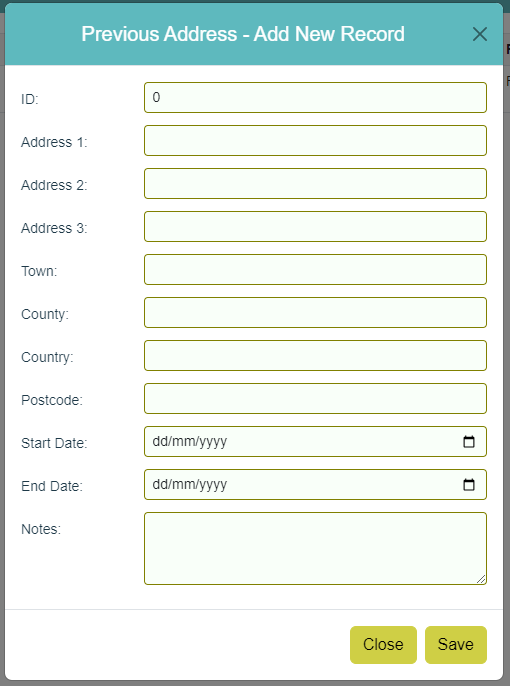
To manually add an address, click 'Modify' then 'Add New Record' and complete all relevant fields.
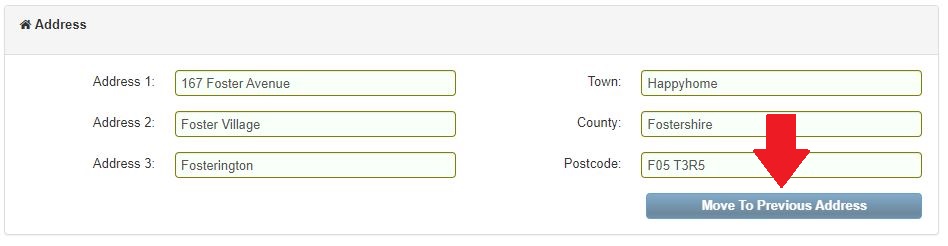
This section can be added to automatically from the Family - Main Details screen by clicking the 'Move To Previous Address' button.
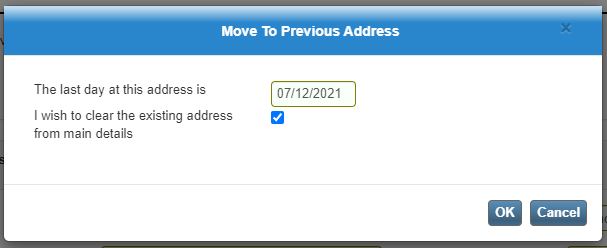
Once clicked, you will be prompted to enter the date of the last day the carer lived at this address (by default this will show the current date) and given the option of whether or not to clear the existing address from the family's Main Details.
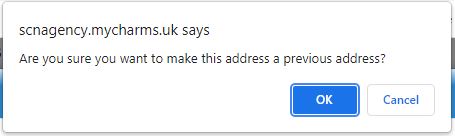
If 'OK' is clicked, the following warning message will appear: